Automation has become an integral part of our work. Many of our daily tasks are now largely automated.
In the application domain: manual installation of applications? That’s long gone. Software packaging is often automatically triggered as well. With solutions like Winget, Chocolatey, and Evergreen, you hardly need to worry about it anymore. Installations and updates run fully automated.
But in the end, it all comes down to one thing:
does the application truly function as intended?
From technology to user experience
After installing or updating, there’s a step we simply cannot skip: testing. And that’s often where the biggest challenge lies. Testing has two dimensions:
- Technical testing: Does the installation work as expected? Are all files present, does the application start correctly, and are there no error messages?
- Functional testing: Does the application deliver what the user expects? Can you open documents, process data, or perform specific business tasks?
In practice, we often see that testing:
- is performed too little or not at all
- is repeated in the same way without variation
- frequently ends up with end users.
These points are closely connected. Because tests often follow fixed patterns, they are perfectly suited for automation. By automating this process, tests can be repeated as often as needed, with consistent quality and without extra effort. Testing then becomes less of a burden for end users, transforming into an automated process that provides certainty and frees them up to focus on the work that truly matters.
Taking testing to the next level
Fortunately, there are solutions that make this process smarter. Login Enterprise by LoginVSI offers a powerful way to not only automate application testing but also elevate it to the next level.
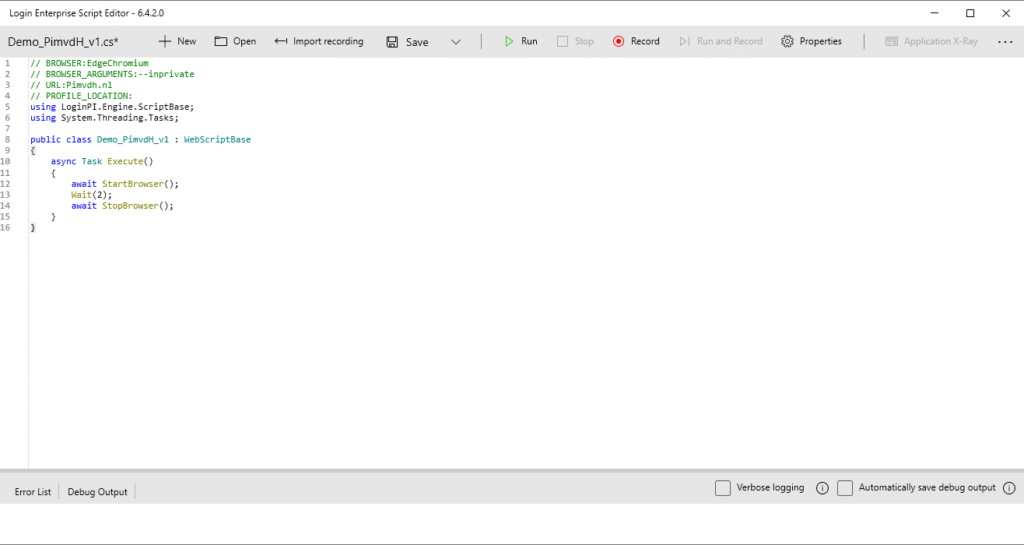
With scripts, you can simulate user actions. From opening Microsoft Edge or working in PowerBI, to performing complex tasks in business critical applications. To create these scripts, LoginVSI developed a recorder. It was already available for Windows applications, and now there’s also a browser variant. This allows user actions to be easily recorded and automatically converted into a script. Where needed, a bit of fine-tuning can further perfect the scenarios.
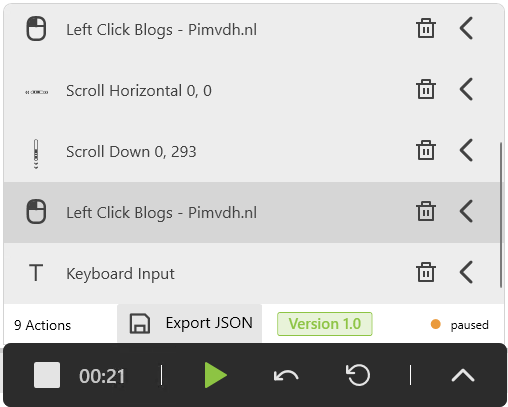
These scripts can then be executed automatically, whenever you choose. This way, you don’t just know that an application is installed, you know it actually works as intended. Even more importantly, you immediately see when something breaks after an update, slows down, or throws errors. All of this is presented in clear, functional reporting. Testing thus shifts from a manual, time consuming task to an automated process that continuously provides insight and certainty.
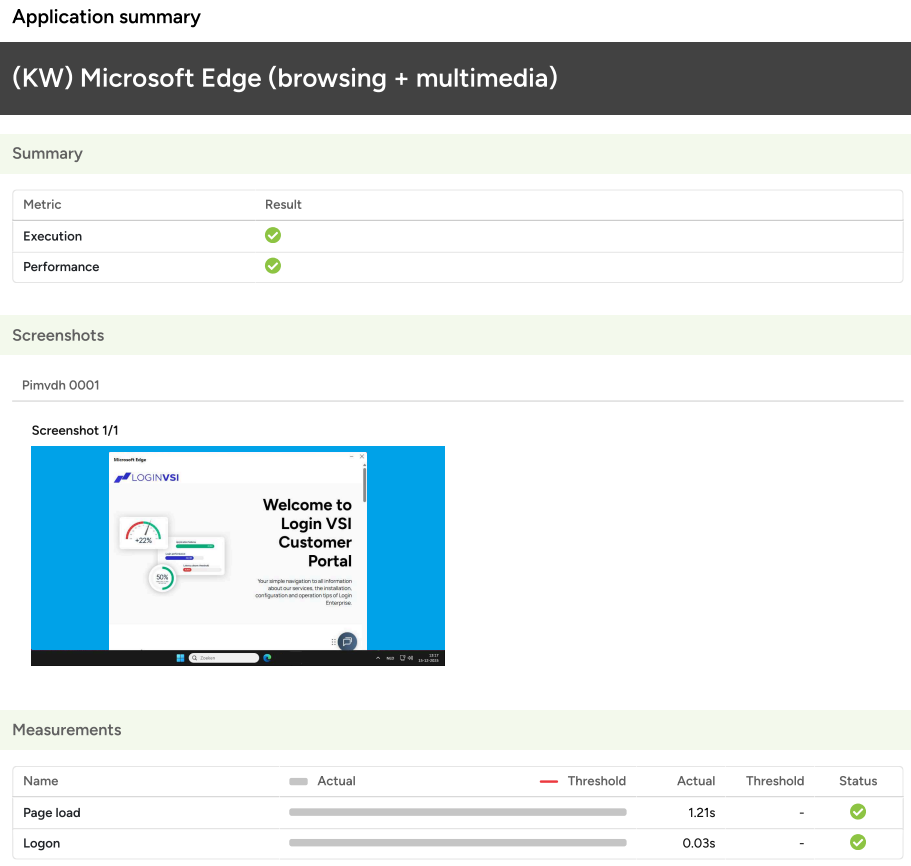
In this blog, I mainly highlighted the value of automated testing. In a later blog, I will dive deeper into the features and possibilities of application testing in Login Enterprise itself.
If you’d like to learn more already, feel free to reach out or visit Login Enterprise.